Table of Contents
- How Does Google Forms Work
- With Google Forms, Users Can
- Create and Customize Forms
- Collect Responses in Real Time
- Embed Forms or Share Links Easily
- Use Built-in Quizzes and Scores
- Limited Design Options
- Basic Integrations and Conditional Logic
- Security and Access Controls
- Related Reading
- 15 Top Alternatives to Google Forms
- 1. NoteForms: Transform Your Notion Database with Custom Forms
- 2. Typeform
- 3. JotForm
- 4. SurveyMonkey
- 5. Formstack
- 6. Zoho Forms
- 7. Wufoo
- 8. Paperform
- 9. Formsite
- 10. 123FormBuilder
- 11. Cognito Forms
- 12. HubSpot Forms
- 13. Alchemer (formerly SurveyGizmo)
- 14. AidaForm
- 15. FormKeep
- 16. OpnForm: Open-Source, Flexible Form Builder
- How to Choose the Best Form Tool
- Define Your Primary Purpose
- Evaluate Customization and Design Flexibility
- Assess Data Security and Compliance Needs
- Check Integration Options and Workflow Automation
- Review Pricing and Scalability
- How NoteForms Works
- Why NoteForms is a Top Choice for Notion Users
- NoteForms Boosts Efficiency and Productivity for Notion Users
- NoteForms Lets You Customize Forms to Suit Your Needs
- NoteForms Is Built for Teams and Collaboration
- Related Reading
- Create a Form for Free Today with our Notion Forms Builder
- How NoteForms Works
- Key Features of NoteForms
- Who Should Use NoteForms?
- Related Reading
.jpg?table=block&id=ae14ef0e-2d3e-4be3-8e7f-4be855db9579&cache=v2)
Do not index
Created time
Oct 29, 2024 08:22 AM
Choosing the best Form software can make or break your data collection process. Google Forms is undoubtedly one of the most popular options, but that doesn't mean it’s the best for your needs. This guide will help you discover some top Google Forms alternatives, including the best form software for your project. These tools can help you create better forms, surveys, and quizzes with more features and customization options. As a bonus, we'll also show you how to choose the best one that suits your needs.
NoteForms’s solution, Notion Forms, is a powerful alternative to Google Forms. With its customizable templates, rich data organization features, and myriad integrations, Notion Forms can help you create better forms quickly.
How Does Google Forms Work
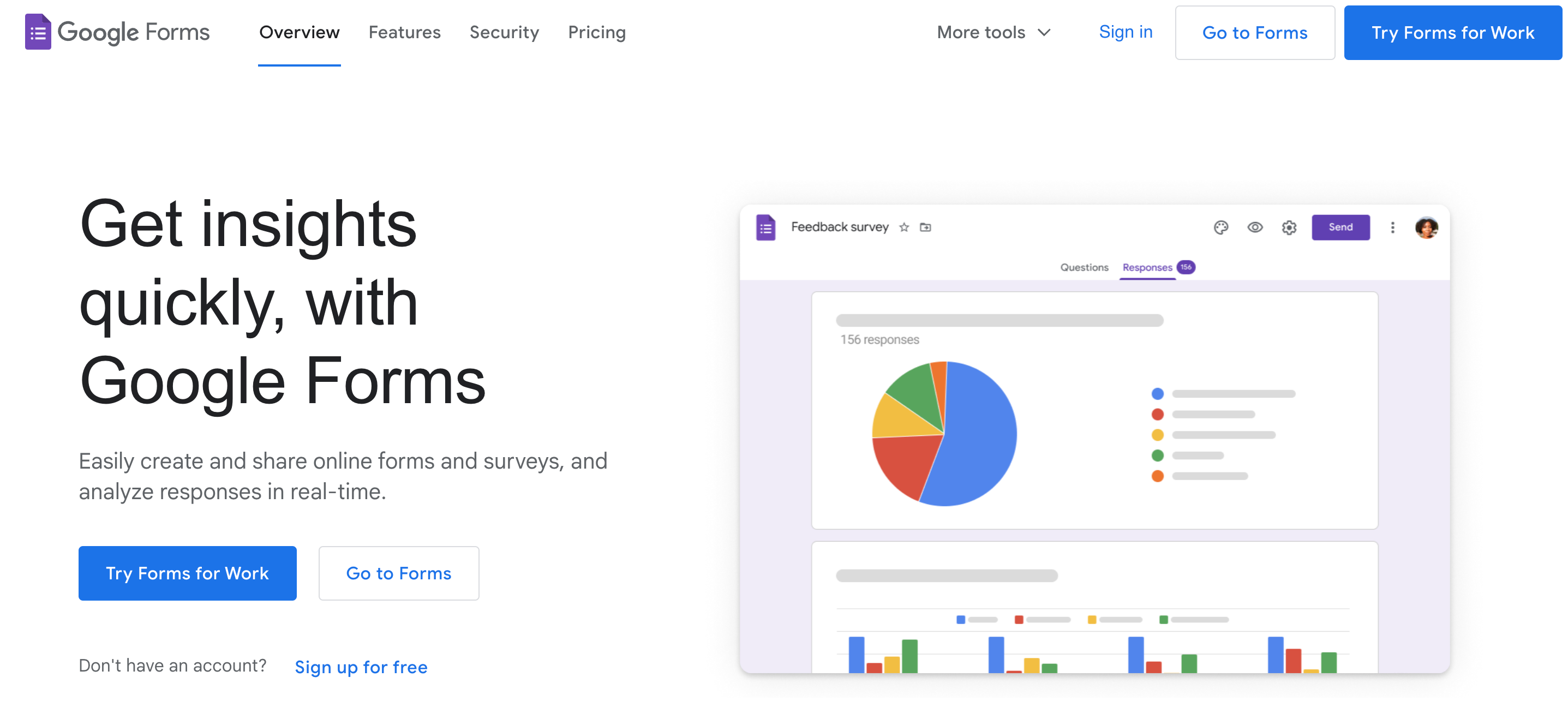
Google Forms is a widely used, free tool in the Google Workspace suite. It is designed to help users create online forms for surveys, quizzes, feedback, and more. Known for its simplicity and efficiency, Google Forms enables users to set up customized forms quickly without technical expertise.
With Google Forms, Users Can
Create and Customize Forms
You can start with a blank form or use one of the templates. Forms are customizable, allowing you to add images and videos and select various question types, including multiple-choice, dropdowns, checkboxes, and short/long-answer text fields.
Collect Responses in Real Time
Google Forms organizes responses automatically in a linked Google Sheets spreadsheet, making data easy to access and analyze. For those needing a quick overview, Google Forms provides visual summaries, like charts, for real-time insights.
Embed Forms or Share Links Easily
Sharing is simple, whether by sending a link, embedding the form in a website, or sharing directly through email. This flexibility makes it easy for people to respond anytime, anywhere.
Use Built-in Quizzes and Scores
For educators or businesses needing assessments, Google Forms includes features to create quizzes with auto-grading, helping save time and ensure consistency.
Despite its many features, Google Forms has some limitations:
Limited Design Options
Users looking for brand-specific designs may find customization options limited.
Basic Integrations and Conditional Logic
Advanced integrations or features like conditional logic (showing specific questions based on previous answers) may be limited compared to other platforms.
Security and Access Controls
For businesses or organizations with strict security needs, Google Forms may need more robust data privacy controls offered by specialized survey tools.
Several Google Forms alternatives provide greater flexibility for those seeking enhanced functionality, more integrations, or specialized form features. Let’s explore some of the top options that offer enhanced capabilities for creating impactful forms and surveys.
Related Reading
15 Top Alternatives to Google Forms
1. NoteForms: Transform Your Notion Database with Custom Forms
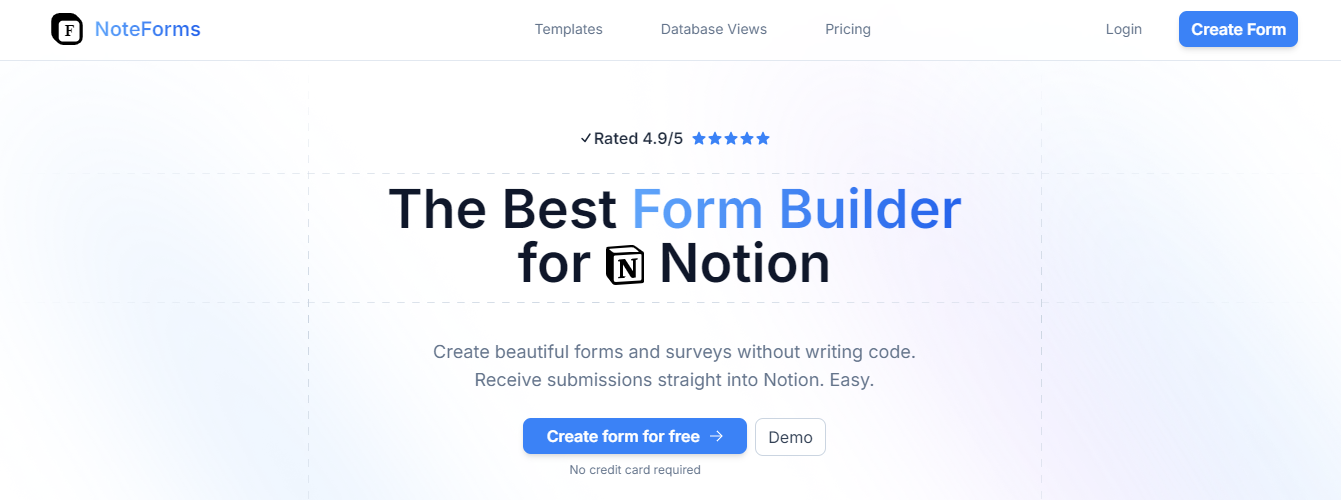
NoteForms's Notion forms builder supercharges Notion by enabling smooth form creation that integrates directly with Notion databases. Our key features include creating forms from existing Notion DBs, storing submissions in Notion DBs, unlimited forms and submissions, full customization (custom domains, design, logic, webhooks), embeddable forms, integrations (email, Zapier, Slack), support for Notion-specific columns (relation, people), writing to page body, and database views as a sub-product.
We cater to Notion power users, SaaS startups, and educators, solving challenges like inefficient data entry, fragmented workflows, and administrative overload. NoteForms streamlines data collection, centralizes management, and simplifies workflows, boosting productivity while cutting costs for Notion enthusiasts. Create a form for free today with our Notion forms builder!
2. Typeform
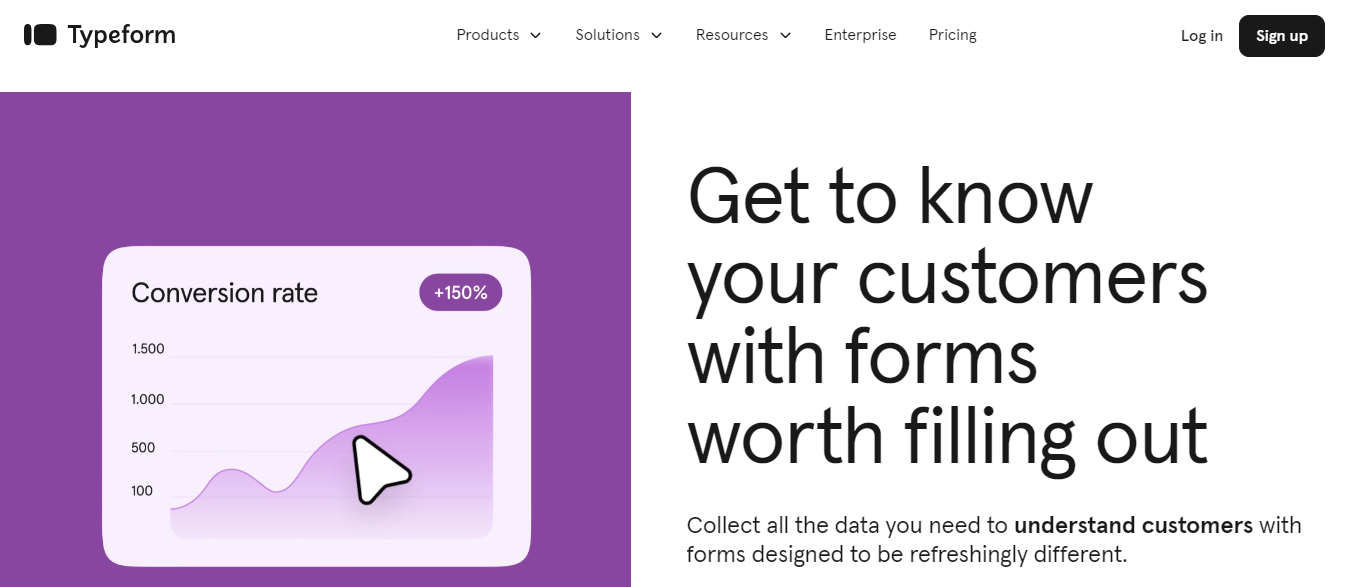
Typeform specializes in interactive, visually engaging forms with conversational flows, making surveys more enjoyable. With an emphasis on design, Typeform allows for smooth conditional logic, multimedia embedding, and integrations with popular tools like Slack and Mailchimp. It’s ideal for those prioritizing user engagement and aesthetic appeal.
3. JotForm
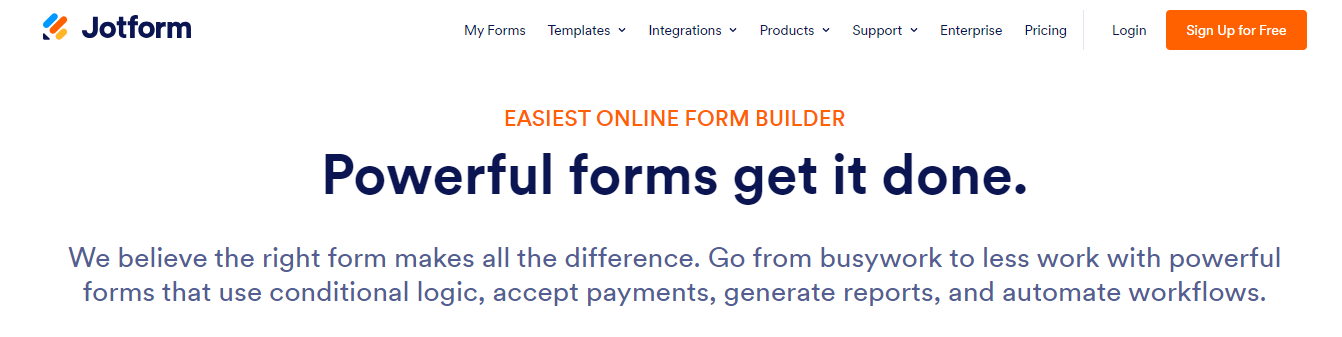
JotForm provides a highly customizable platform with hundreds of templates and powerful integrations. It includes advanced features like payment processing, conditional logic, and HIPAA compliance. JotForm is a strong contender for users who need to collect payments or handle sensitive information.
4. SurveyMonkey
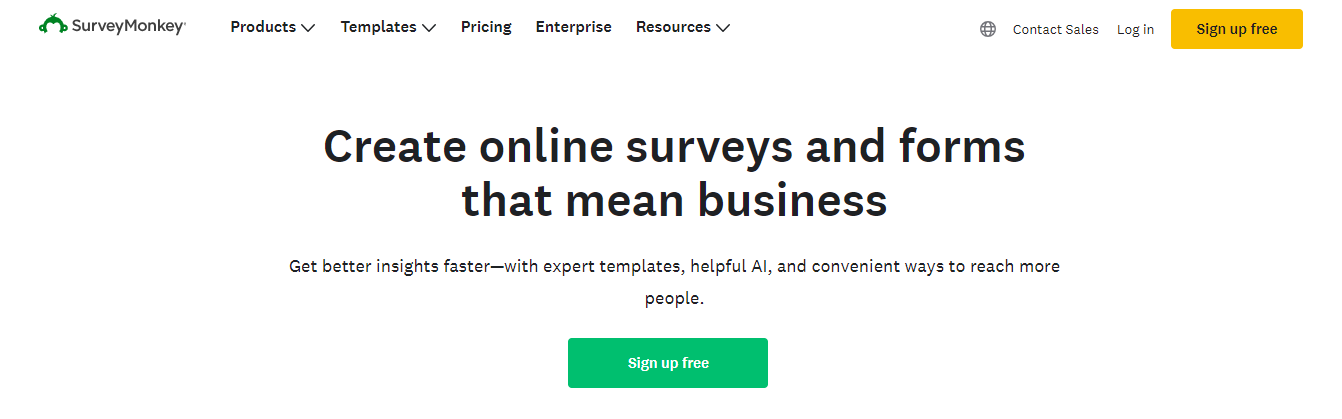
Known for its survey-focused tools, SurveyMonkey is built for data-driven insights. With powerful analytics, survey logic, and customization options, it’s suitable for organizations needing in-depth reporting. SurveyMonkey also offers robust data security and compliance options for enterprise users.
5. Formstack
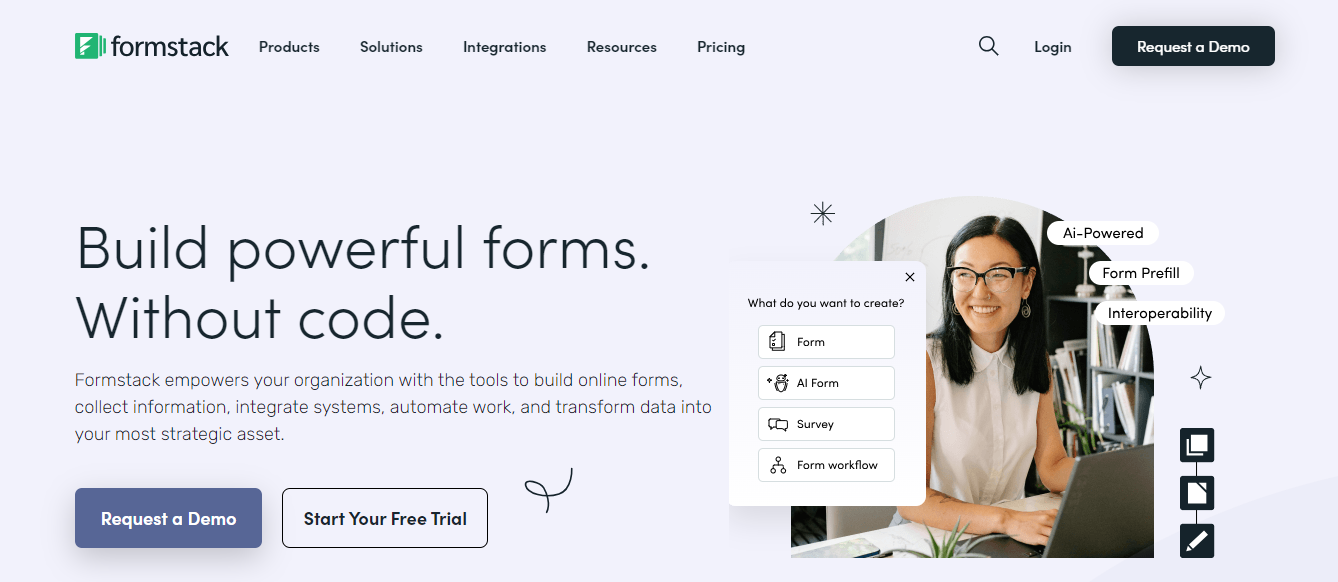
Formstack is a versatile tool focused on streamlining workflows. It offers advanced data security features like encryption and compliance support, making it ideal for industries like healthcare and finance. Formstack integrates well with CRM tools and automates workflows for easy data collection and processing.
6. Zoho Forms
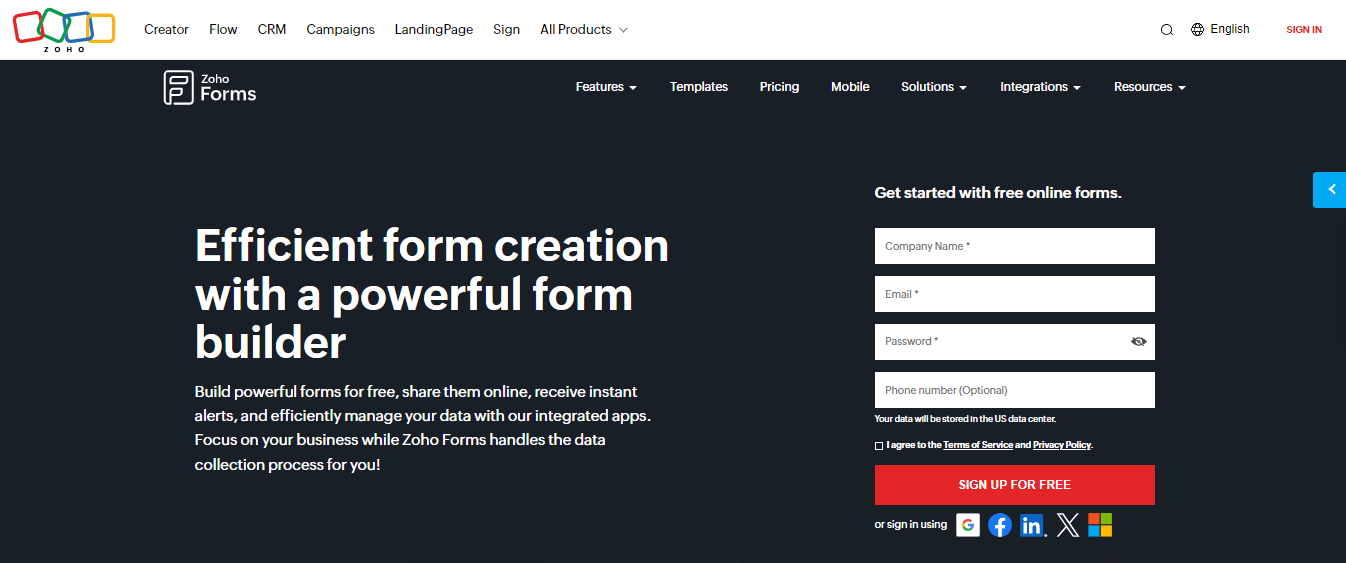
Part of the Zoho Suite, Zoho Forms provides a customizable form builder with advanced logic, payment processing, and approval workflows. Its strong integration with other Zoho products, like Zoho CRM and Zoho Analytics, makes it a practical choice for current Zoho users or those looking for a suite of business tools.
7. Wufoo
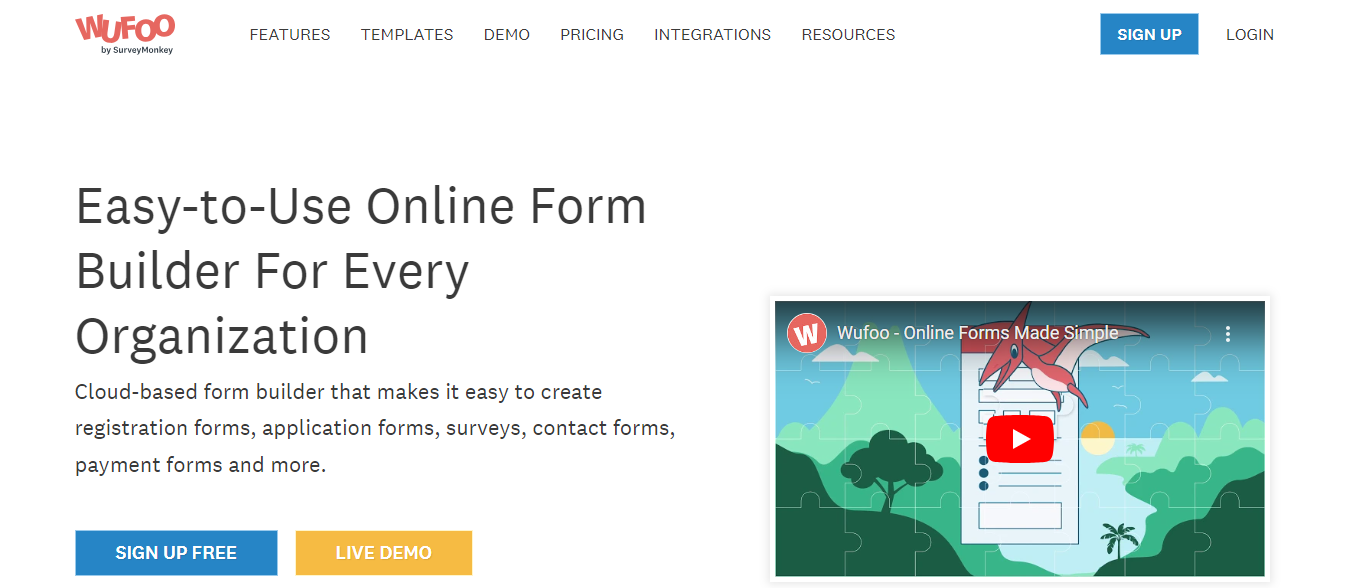
Wufoo is a user-friendly tool with a drag-and-drop interface and pre-built templates. It offers integrations with apps like Salesforce and Dropbox, including payment processing capabilities. Wufoo is ideal for users seeking simplicity with options to accept payments directly in forms.
8. Paperform
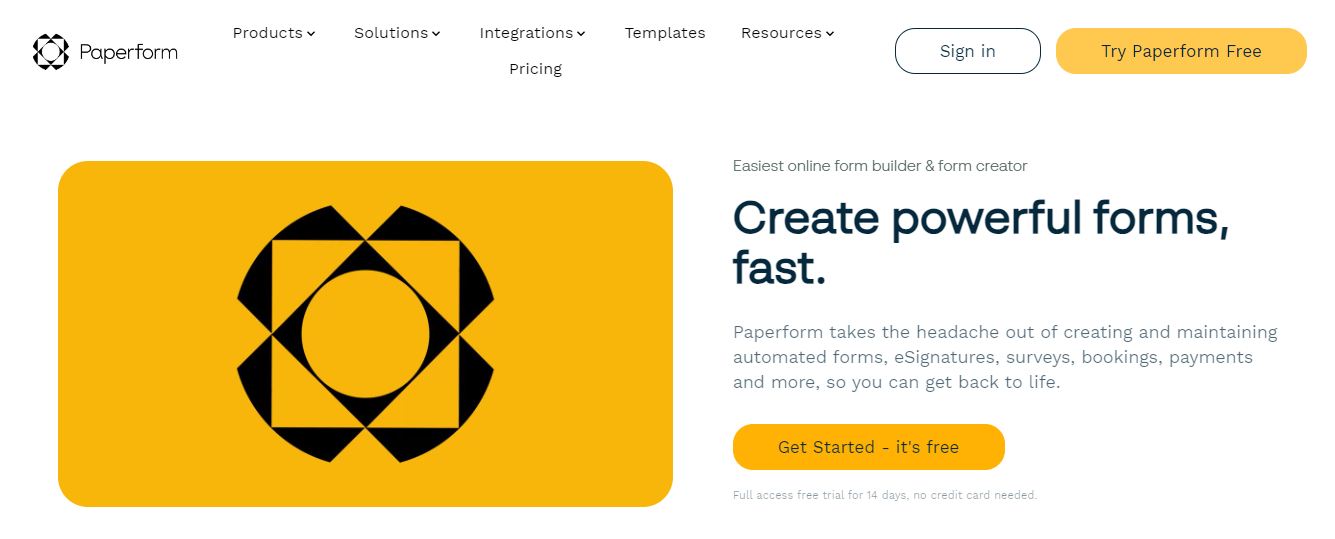
Known for its sleek, document-like forms, Paperform allows users to create forms that look more like landing pages. It supports conditional logic, e-commerce functionalities, and various integrations. Paperform is a solid choice for businesses wanting highly customizable, visually attractive forms.
9. Formsite
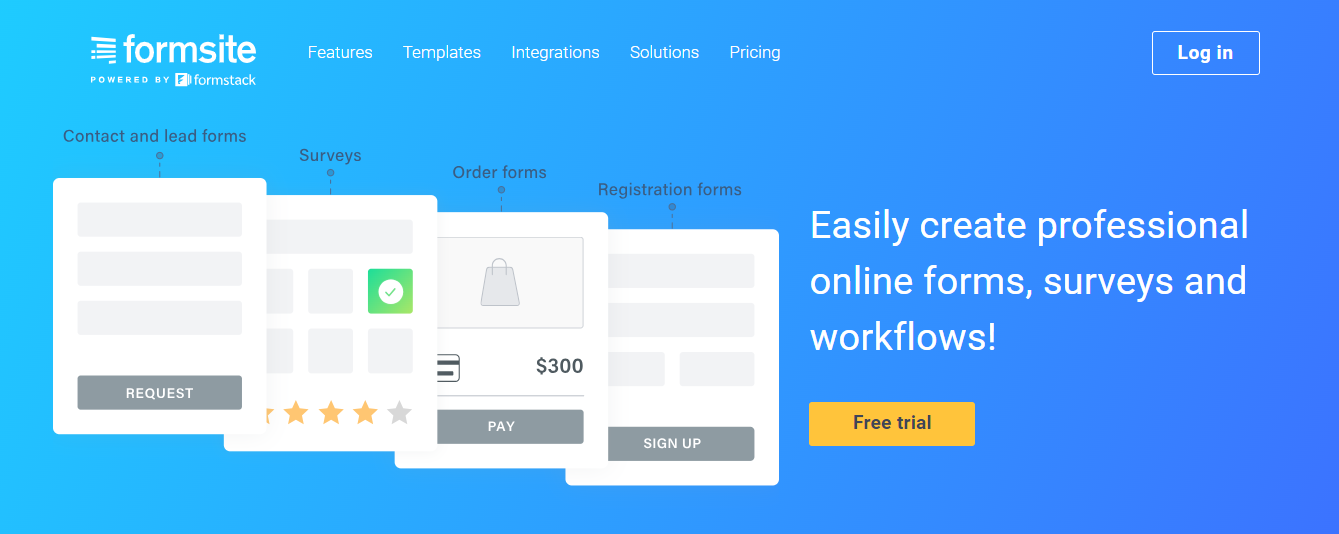
Formsite is robust for creating complex forms with advanced features like conditional logic, e-signatures, and payment collection. It provides secure data collection with SSL encryption and HIPAA compliance, making it suitable for sensitive information gathering.
10. 123FormBuilder
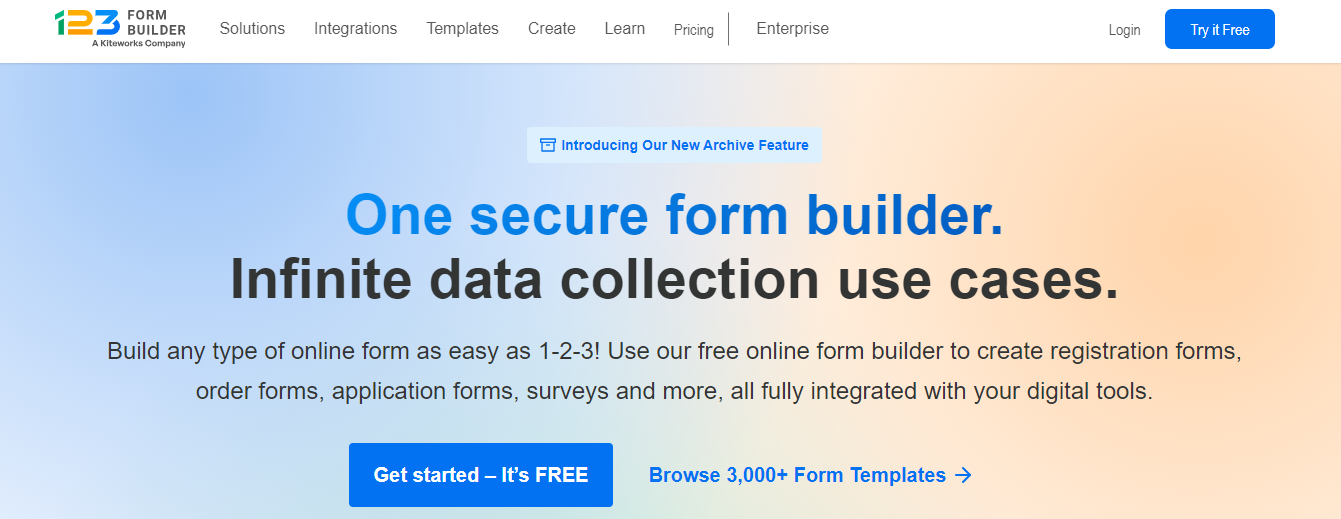
With drag-and-drop functionality and integrations with tools like Google Drive and Salesforce, 123FormBuilder supports a range of use cases. It’s particularly popular with nonprofits and educational institutions for its flexible pricing and ease of use.
11. Cognito Forms
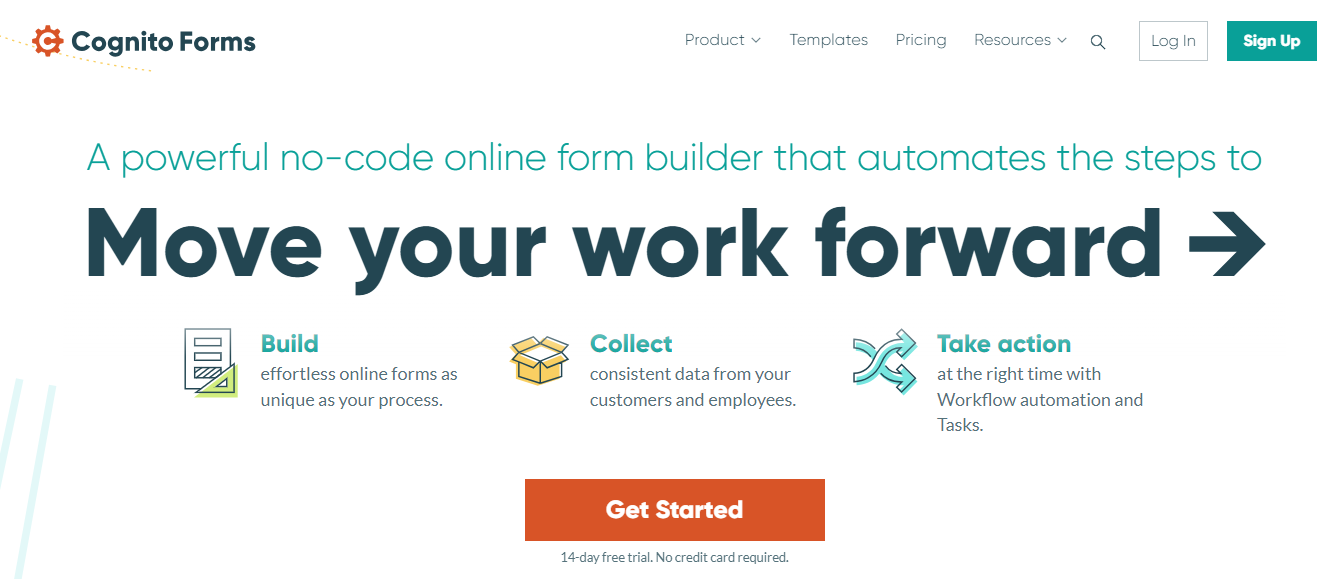
Cognito Forms offers powerful features for building complex forms with repeating sections, calculations, and conditional logic. It supports payment processing through Stripe and PayPal, making it ideal for organizations needing robust, dynamic form capabilities.
12. HubSpot Forms
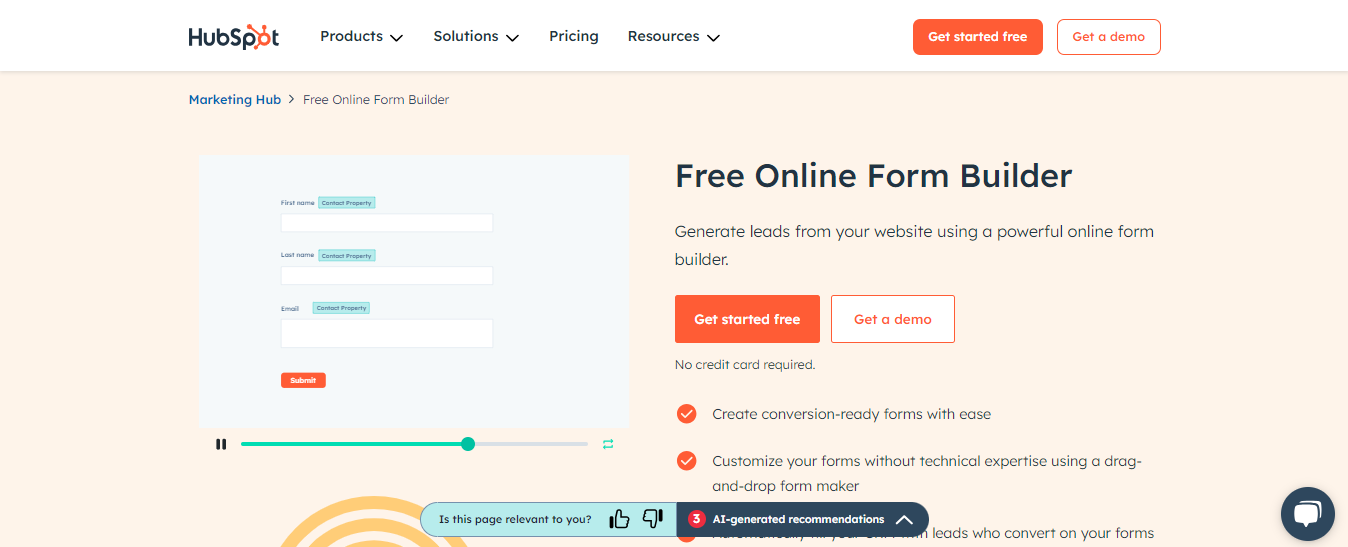
HubSpot Forms integrates smoothly with the HubSpot CRM, making capturing leads and managing follow-ups easy. With automation features and analytics, HubSpot Forms is an excellent choice for businesses focused on lead generation and nurturing.
13. Alchemer (formerly SurveyGizmo)
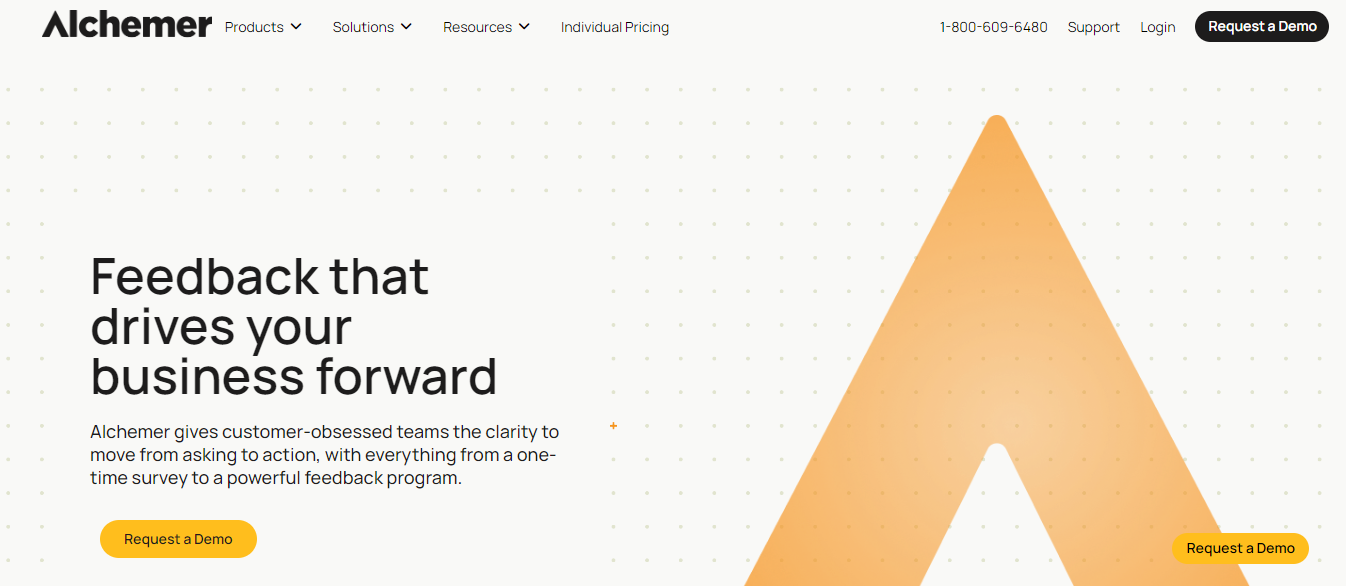
Alchemy is a powerful survey tool focused on in-depth data analysis and feedback management. It includes advanced customization, conditional logic, and integrations with business tools, suitable for organizations conducting detailed surveys or complex data collection.
14. AidaForm
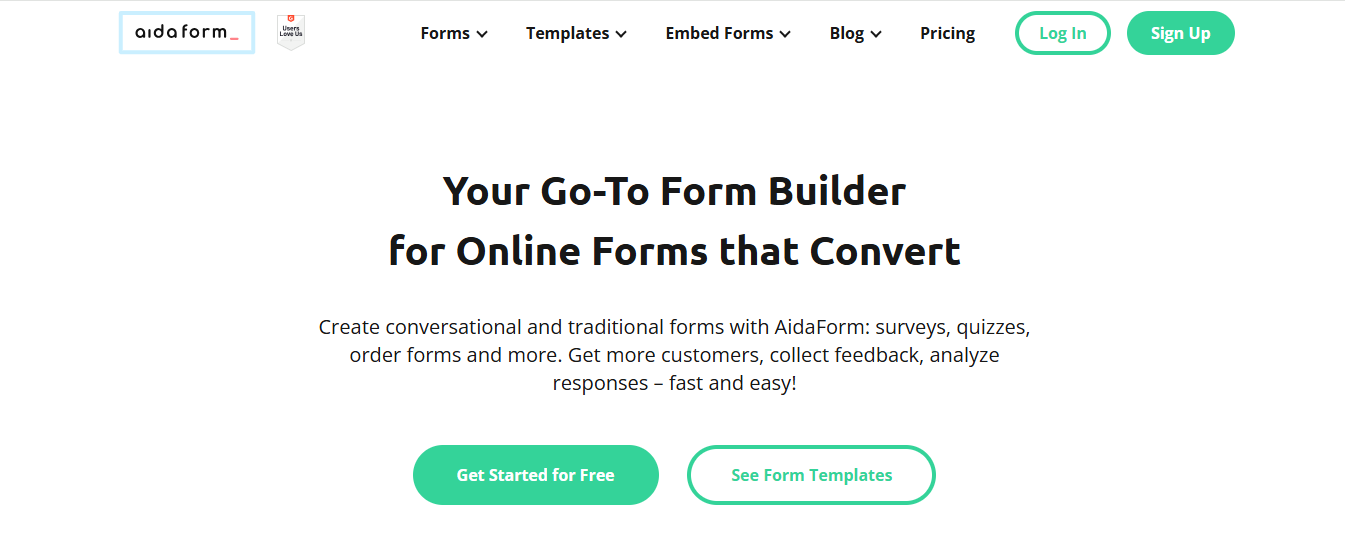
AidaForm offers an easy-to-use platform with pre-built templates and features like quizzes, payment processing, and file uploads. It’s ideal for smaller businesses or freelancers who need attractive, functional forms without a steep learning curve.
15. FormKeep
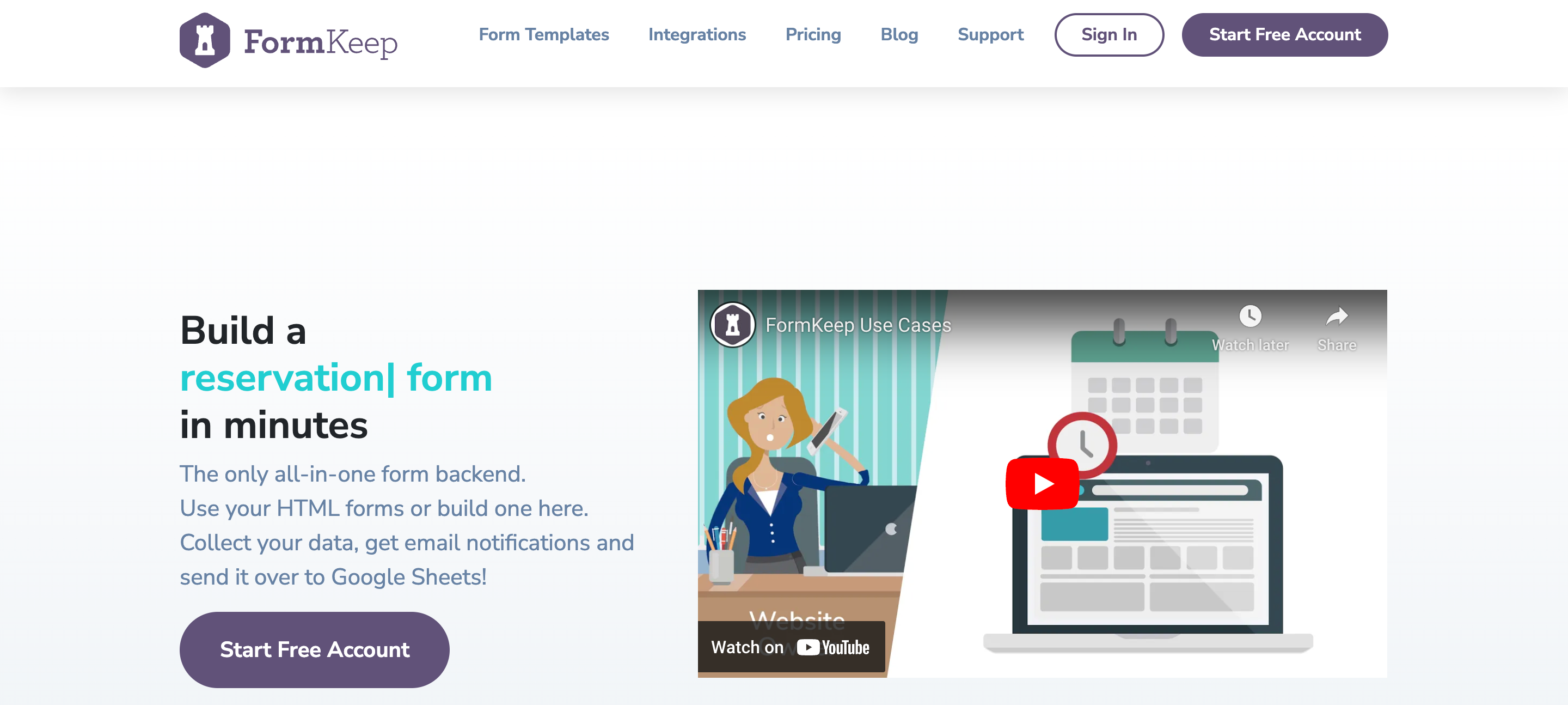
FormKeep is a back-end form solution for static sites. It allows users to collect form data without a visible form builder interface. It’s perfect for developers needing form collection without a front-end tool, focusing purely on data collection and integration with existing designs.
Each alternative has distinct features, from advanced security to workflow automation, that can cater to various form needs. Now, let’s look at how to choose the best one for your specific requirements.
16. OpnForm: Open-Source, Flexible Form Builder

OpnForm is an open-source form builder that gives you full control over your forms and data. Ideal for teams who want flexibility, security, and customization beyond standard form tools.
Key Features:
- Fully open-source and self-hostable
- Cloud version available with free and Pro plans
- Advanced customization: design, branding, logic, notifications
- Email notifications with custom branding
- Embed forms anywhere, plus integrations with popular tools
- End-to-end data security and privacy compliance
OpnForm lets you create professional forms and surveys while keeping your data private and under your control. Perfect for teams who value flexibility, security, and brand consistency.
How to Choose the Best Form Tool

Define Your Primary Purpose
Clearly identifying your primary purpose for needing a form tool is critical. Are you collecting customer feedback, conducting internal surveys, or gathering leads? If your main goal is data collection with minimal customization, a more straightforward tool like Microsoft Forms or Wufoo may suffice. For more advanced needs—such as customer surveys that require detailed analytics or conditional logic—options like Typeform or SurveyMonkey might be a better fit. Knowing your purpose will narrow down your choices considerably.
Evaluate Customization and Design Flexibility
Depending on your brand and audience, design flexibility might be crucial. If you need to create visually engaging forms that reflect your brand, consider tools with advanced design capabilities like Typeform or Paperform. These tools offer themes, multimedia embedding, and layouts that can be styled to create an immersive user experience. On the other hand, if you’re looking for simplicity and functionality without extensive customization, Google Forms and Microsoft Forms offer basic templates that are easy to use.
Assess Data Security and Compliance Needs
If you’re collecting sensitive data—such as customer health information, financial details, or any other confidential information—prioritize tools with solid data security and compliance options. JotForm, Formstack, and Formsite offer security features like SSL encryption, GDPR, and HIPAA compliance, making them ideal for industries with strict data regulations. For businesses in highly regulated sectors, understanding the security features of each tool will ensure that you meet legal and ethical standards.
Check Integration Options and Workflow Automation
Think about your existing tech stack and how your form tool can work. Integration capabilities are essential for teams using CRM software, marketing automation, or customer service platforms. Tools like HubSpot Forms and Zoho Forms integrate smoothly with their respective CRM platforms, allowing you to capture leads directly into your database. If you need automated workflows, Formstack or SurveyMonkey integrates with numerous platforms like Salesforce and Zapier, helping you streamline your operations and save time on manual tasks.
Review Pricing and Scalability
When evaluating pricing, consider both your current budget and any future growth. Many form tools offer free or entry-level plans that are great for small projects or startups, but these may need more advanced features for larger-scale operations. Tools like Cognito Forms and 123FormBuilder offer flexible pricing tiers, allowing you to start small and scale as your needs evolve. Look for a tool with a plan that suits your immediate needs and can expand with your organization so you’re not left switching platforms later.
How NoteForms Works
NoteForms's Notion forms builder supercharges Notion by enabling smooth form creation that integrates directly with Notion databases. Our key features include creating forms from existing Notion DBs, storing submissions in Notion DBs, unlimited forms and submissions, full customization (custom domains, design, logic, webhooks), embeddable forms, integrations (email, Zapier, Slack), support for Notion-specific columns (relation, people), writing to page body, and database views as a sub-product.
We cater to Notion power users, SaaS startups, and educators, solving challenges like inefficient data entry, fragmented workflows, and administrative overload. NoteForms streamlines data collection, centralizes management, and simplifies workflows, boosting productivity while cutting costs for Notion enthusiasts. Create a form for free today with our Notion forms builder!
Why NoteForms is a Top Choice for Notion Users
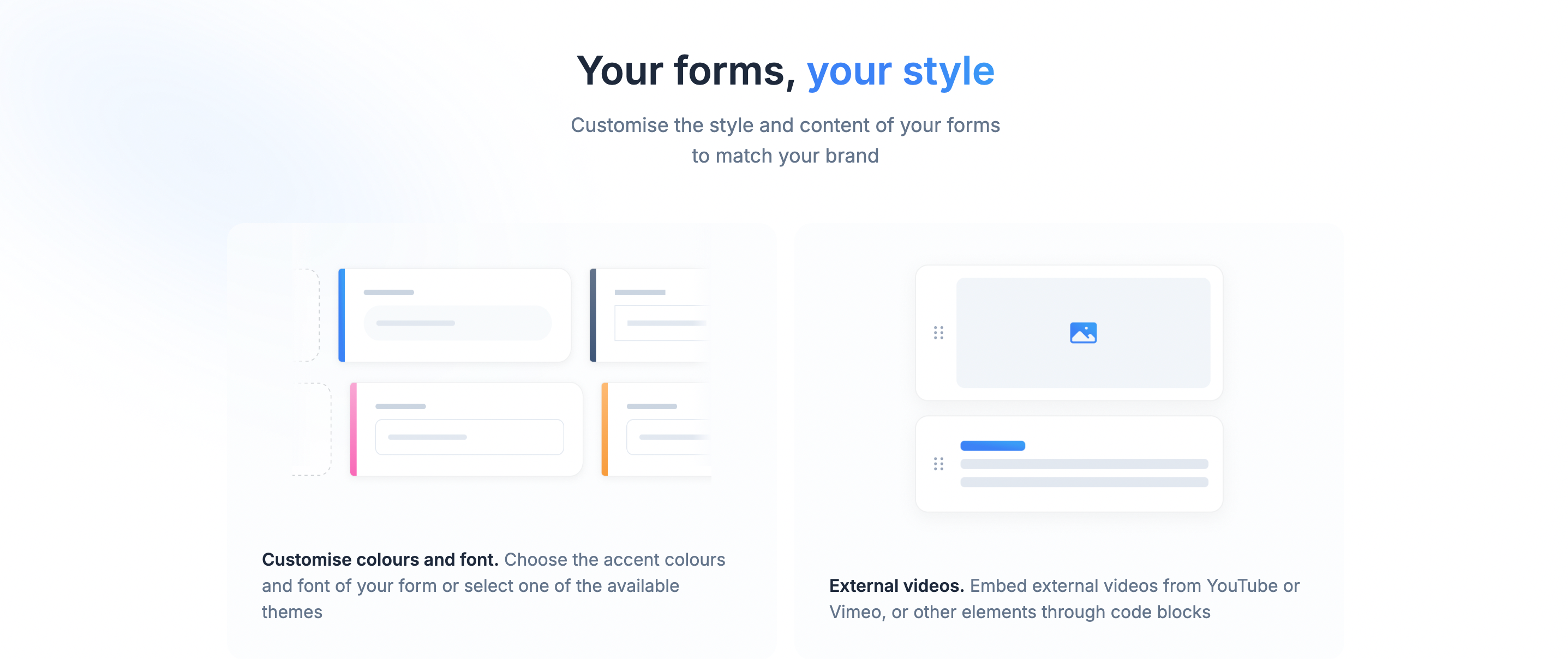
NoteForms offers Notion users an unparalleled experience when building forms. Integrating NoteForms and Notion is smooth, allowing users to create forms from existing Notion databases and store the submissions directly into Notion. For Notion power users, SaaS startups, and educators looking to streamline operations and reduce administrative overload, NoteForms is a game changer.
NoteForms Boosts Efficiency and Productivity for Notion Users
NoteForms helps boost productivity for Notion users by making data collection easy and efficient. With NoteForms, users can create unlimited forms and accept unlimited submissions without any added costs, making data collection as flexible as it is efficient. NoteForms even offers advanced capabilities for adding responses directly into the body of Notion pages and creating database views. This allows users to easily capture, manage, and visualize data in one place.
NoteForms Lets You Customize Forms to Suit Your Needs
Users can tailor forms precisely to their needs with key customization options like custom domains, design tweaks, conditional logic, and webhook configurations. NoteForms also integrates with popular tools such as Zapier, Slack, and email to keep everyone informed and connected across platforms. Additional support for Notion-specific columns, like relation and people fields, ensures that form responses map accurately into existing Notion workflows.
NoteForms Is Built for Teams and Collaboration
For teams that rely on interconnected apps and need powerful integrations, NoteForms integrates with popular tools such as Zapier, Slack, and email, keeping everyone informed and connected across platforms. Additional support for Notion-specific columns, like relation and people fields, ensures that form responses map accurately into existing Notion workflows.
Related Reading
Create a Form for Free Today with our Notion Forms Builder
NoteForms is an advanced form builder for Notion. With NoteForms, you can create forms that automatically connect to your Notion databases. This means you can collect data efficiently without leaving Notion.
How NoteForms Works
NoteForms allows you to create forms from existing Notion databases. You can customize your forms to fit your needs, collect submissions, and auto-store all form responses in your Notion database. The tool helps you streamline data collection and automate tedious tasks so you can focus on what matters.
Key Features of NoteForms
NoteForms comes packed with powerful features to supercharge your Notion experience. Create unlimited forms with unlimited submissions. Customize your forms to match your needs with custom domains, logic, design, and webhooks. Embed your forms anywhere on the web, integrate with email, Slack, Zapier, and Notion-specific columns, and write directly to page bodies and database views. NoteForms is the ultimate data collection tool for Notion potential users.
Who Should Use NoteForms?
NoteForms is ideal for Notion enthusiasts looking for Google Forms alternatives. The tool caters to Notion's potential users, educators, and SaaS startups, helping them solve challenges like fragmented workflows, administrative overload, and inefficient data entry. If you want to boost productivity while cutting costs, create a form for free today with NoteForms.
Related Reading
Written by


.jpg?table=block&id=b7b2230f-f5bd-4d49-8181-a54768d389f2&cache=v2)


.jpg?table=block&id=753c9472-fd73-4408-8519-6e65a8b45c76&cache=v2)

.jpg?table=block&id=3a7b0987-0f8a-4e57-8610-931795a7ad24&cache=v2)


.jpg?table=block&id=38cbd38e-bd1d-46f2-bd0c-1da51de40470&cache=v2)

.jpg?table=block&id=1b229359-9e9a-411f-b804-5796a497ed26&cache=v2)


.jpg?table=block&id=49f6a23a-d9b3-4bd4-8803-84575428a848&cache=v2)


.jpg?table=block&id=d9c090b7-7324-4a37-8113-d4f0141b58c2&cache=v2)


